WordPress performance isn’t one setting; it’s the combined result of hosting, caching, front-end assets, images, and database behavior working together. This hub organizes SitePulse Labs’ speed-related guides into a structured path, so you can diagnose a real problem instead of applying random optimization advice you found in a generic listicle.
What WordPress performance actually includes
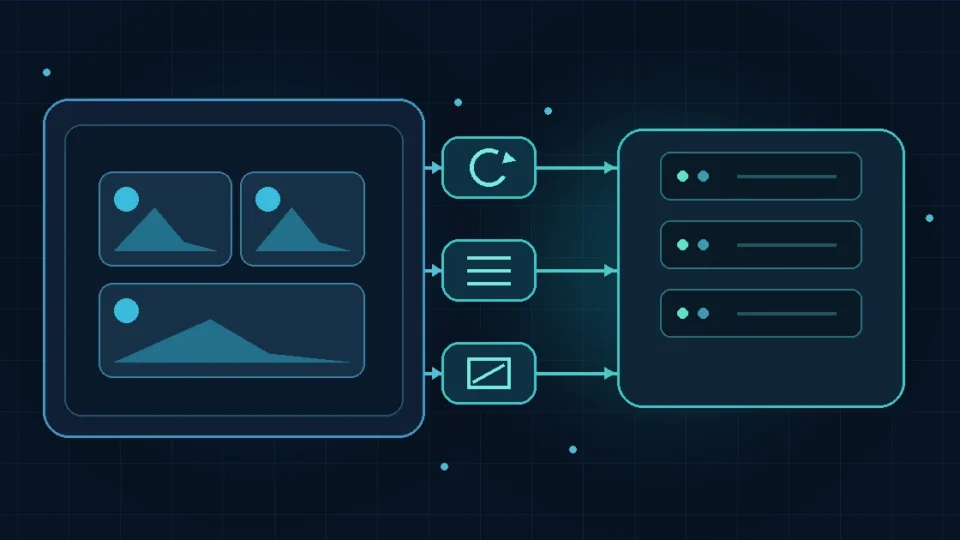
Front-end performance covers what happens in the visitor’s browser: rendering, image delivery, CSS and JavaScript execution. Back-end performance covers what happens before that: hosting resources, PHP execution, database queries, and caching. A slow site is often a combination of both, which is why a single “install this plugin” fix rarely solves everything. Hosting, caching, themes, plugins, images, fonts, CSS, JavaScript, the database, and third-party scripts can each independently contribute to slowness, and a proper diagnosis checks all of them rather than assuming one cause in advance.
Why one score doesn’t describe the whole website
A single PageSpeed Insights score, or a single test on one page, reflects one URL under one set of conditions: one device profile, one network condition, one cache state. A different page template, a different device, or a different cache state can produce a meaningfully different result. Treat any single score as a starting point for investigation, not a complete verdict on the entire site’s performance.
Choose representative pages and test conditions
Test the templates that visitors actually use, such as an article, homepage, category archive, landing page, and any important dynamic page. Record whether the test was logged out, whether the page cache was warm or cold, and which device and network profile were used. Repeating the same conditions before and after a change makes the comparison useful. It also prevents a fast homepage from hiding a slow article template or an uncached page that behaves differently from the rest of the site.
Recommended beginner reading path
Start with How to Measure WordPress Speed Before Making Any Changes to establish a proper baseline before changing anything. From there, use WordPress Caching Explained: Which Layers You Actually Need to understand where cached responses come from, and How to Optimize Images and the LCP Element in WordPress when image delivery or the largest visible element is part of the measured problem.
Recommended diagnostic reading path
Once a baseline exists, WordPress Fonts, CSS, Scripts, and Plugin Weight Explained and WordPress Database Optimization help identify whether front-end asset weight or database behavior is the more significant contributor for your specific site. Pair these with the diagnostic tools covered in the Tools & Experiments hub, which explain how to use PageSpeed Insights, Chrome DevTools, and Query Monitor to attribute a slowdown to a specific cause rather than guessing.
Recommended optimization reading path
Apply fixes one at a time, starting with whichever area your diagnosis actually identified as the largest contributor, then re-measure using the same baseline method before moving to the next change. This sequence avoids the common mistake of changing several things at once, whether that’s a caching plugin, an image optimization setting, and a new theme all in the same afternoon, and losing the ability to tell what actually helped.
Before you make changes: backups, staging, and rollback
Take a full backup and, where possible, test changes on a staging copy before applying them to a live site. Caching, plugin, and configuration changes can occasionally break functionality in ways that aren’t immediately obvious, and having a tested rollback path matters more than any single optimization. This applies whether the change is a caching setting, a plugin update, or a hosting migration; none of it is worth the risk of an untested change on a live, business-critical site.
Related categories
Speed issues frequently trace back to a specific Core Web Vitals metric, hosting resource constraint, or a specific diagnostic tool’s findings. See the Core Web Vitals, WordPress Hosting, and Tools & Experiments hubs for more specific guidance on those related areas.
A note on scope
This category currently includes five published guides, covering baseline measurement, caching, image and LCP optimization, front-end asset weight, and database optimization. If you’ve arrived here looking for a topic not yet covered, such as a specific plugin comparison or a deeper dive into a narrower technique, it may not be published yet; as more guides are added to this category, they will be incorporated into the reading paths above rather than listed as a flat, unordered archive.